4 New and Better Alternative Dev Tools for You
Alternatives to Docker Desktop, Mac Terminal, Postman and Charles Proxy.
Hello, last year I have the chance to use 4 new developer tools that in my opinion are better than their common or default counterparts. I feel comfortable using them and hope they will do the same to you.
Ghostty
Ghostty is a very new terminal emulator for Mac and Linux just recently come out. It’s feature-rich, fast and native. Compared to the default Mac terminal, Ghostty has more features while still maintains very high performance, it feels very snappy. The secret lies in the fact that Ghostty core is written in Zig programming language (I don’t know it but I’ve heard it’s fast) and the GUI is in Swift, using AppKit and SwiftUI. And because it’s using native tools, it support native features of MacOS like secure input API, built-in window state recovery on restart, etc.
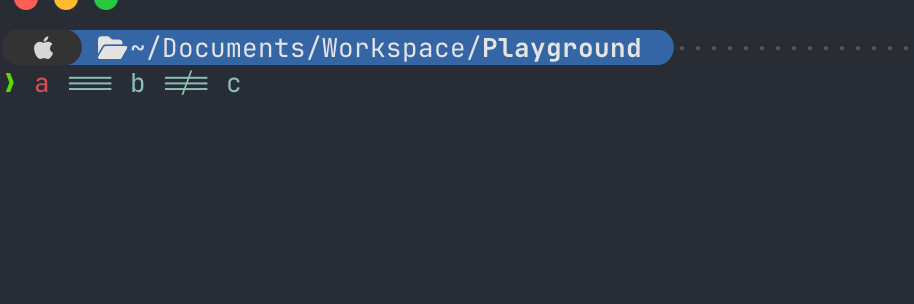
Ghostty feature I like — render ligature font correctly
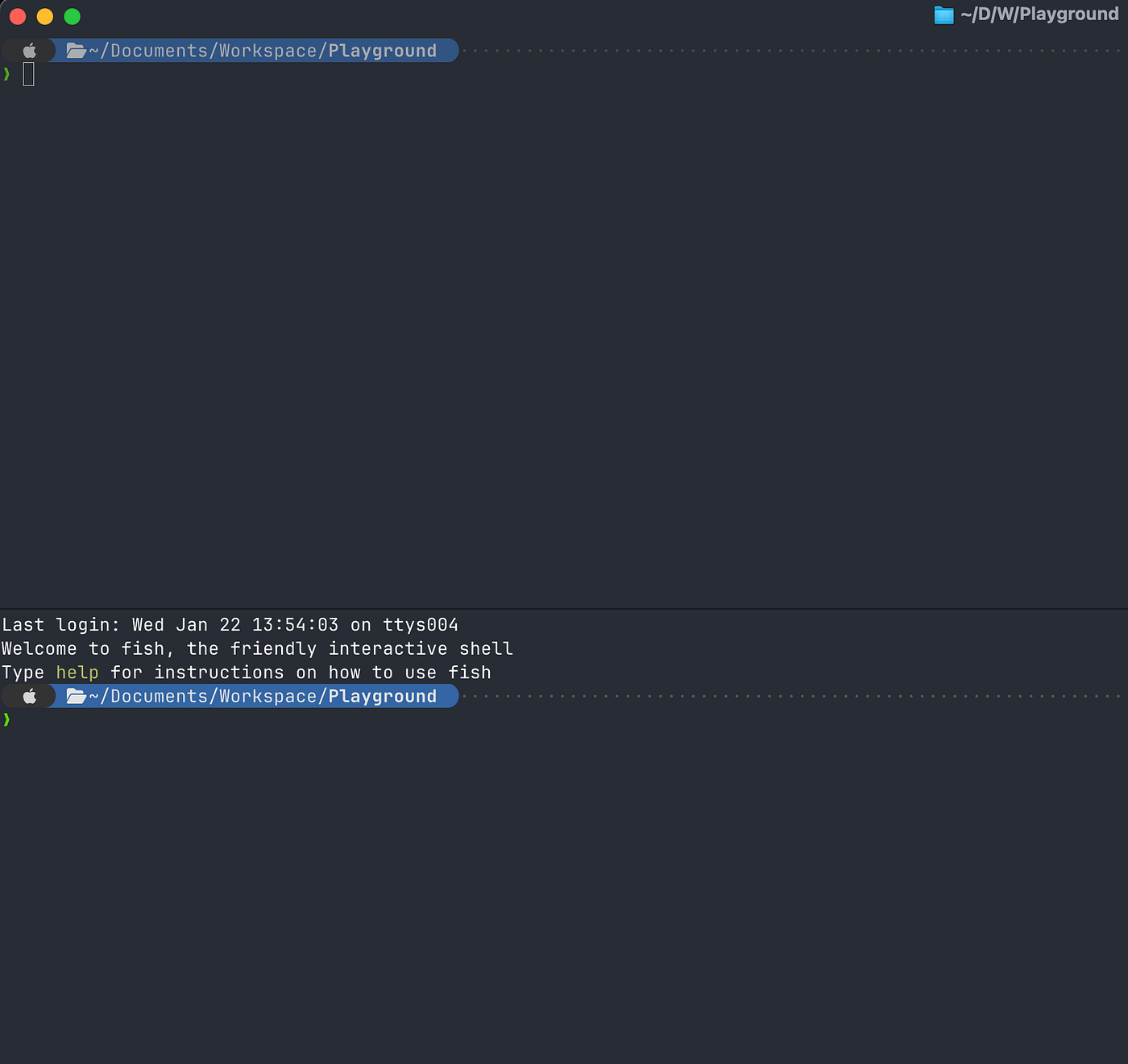
Ghostty feature I like that default termial don’t have — terminal splitting
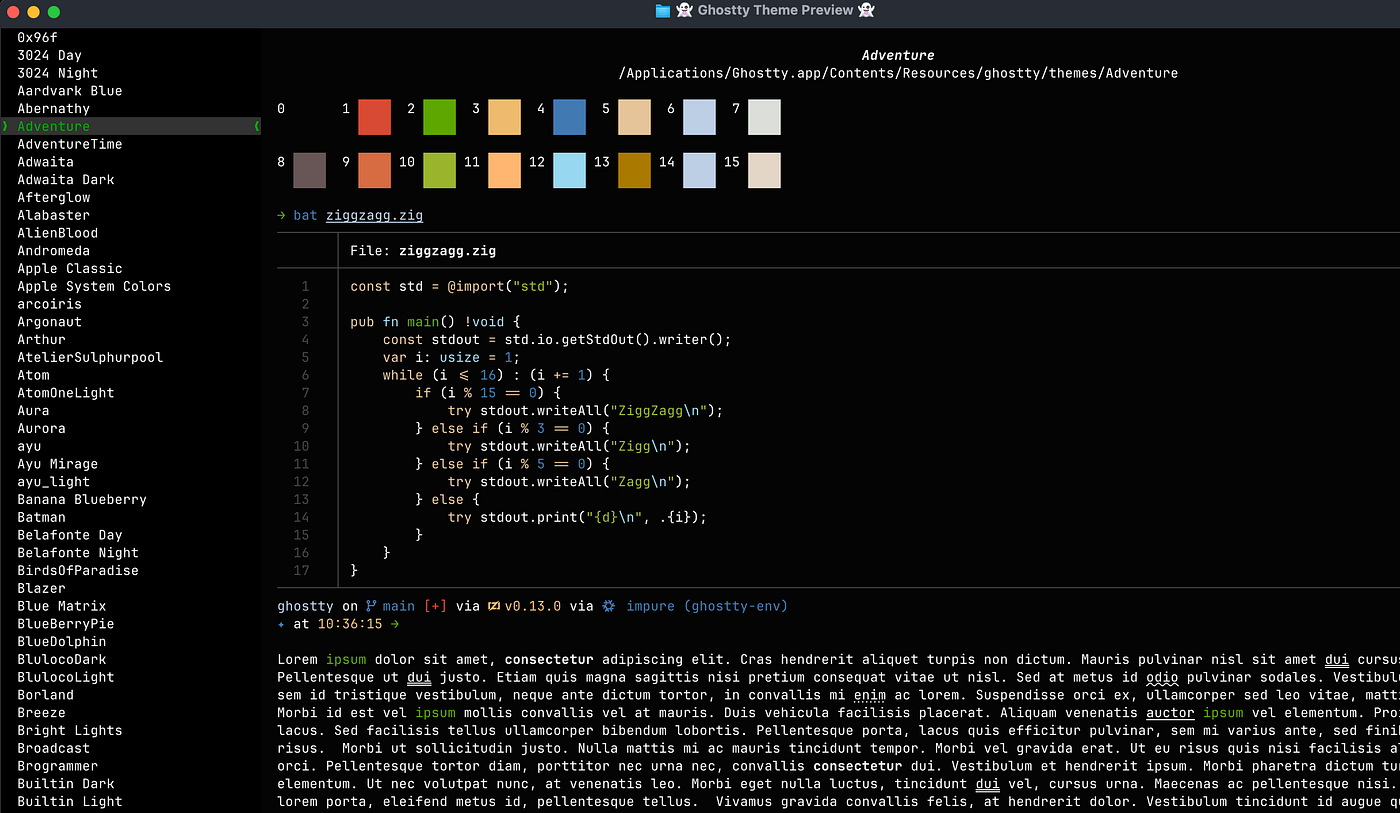
Ghostty feature I like — choosing theme
OrbStack
Every Docker beginner starts with Docker Desktop on Mac. But that’s not the only way to use Docker in MacOS. OrbStack is the alternative that is fast, light and easy to use. It is a drop-in replacement for Docker Desktop on Mac so all you need is to remove Docker Desktop and install OrbStack. Everything else stays the same. Compares to Docker Desktop, OrbStack uses less CPU and memory, consumes less battery. And finally its UI looks beautiful and simple to understand.
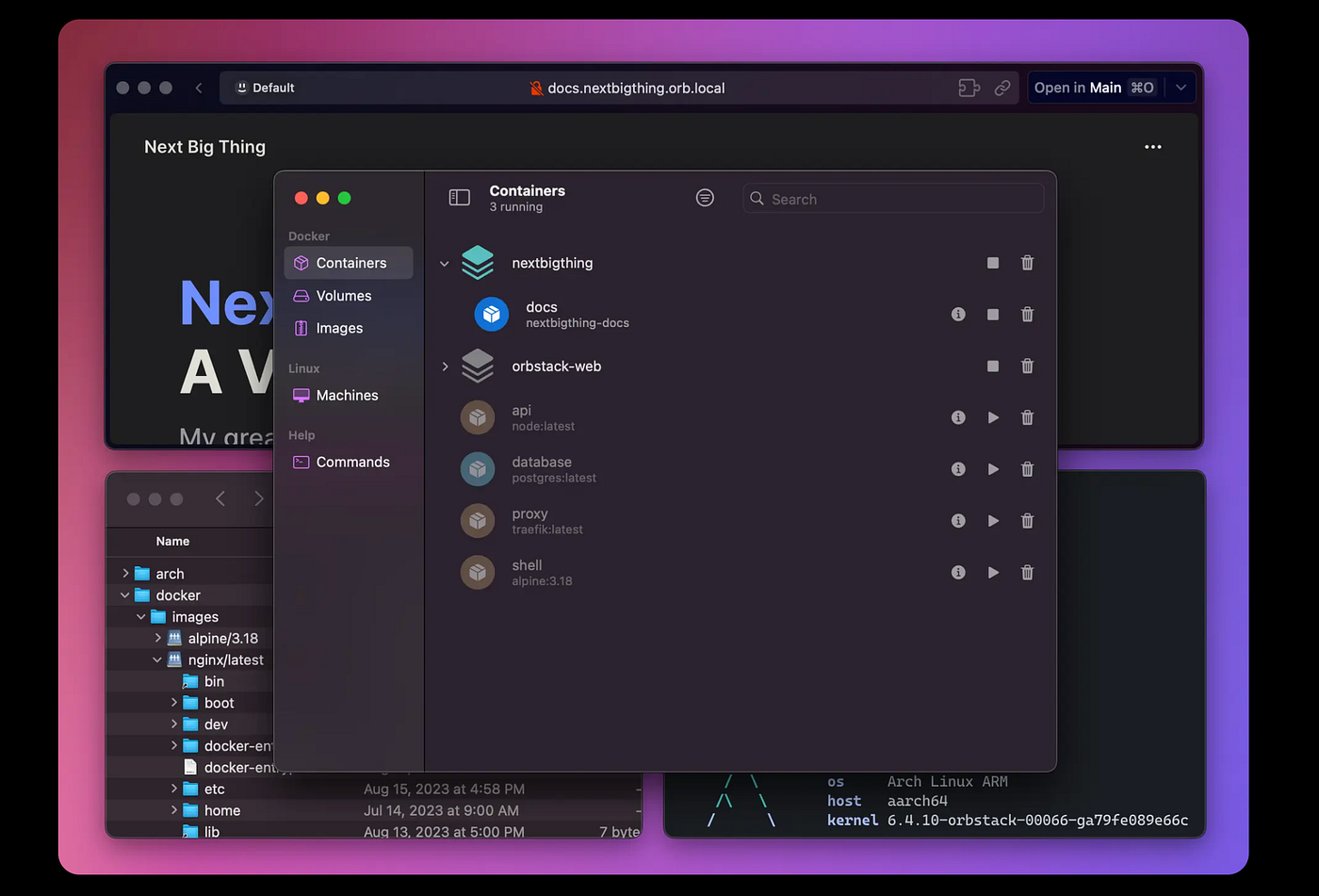
Screenshot — OrbStack UI
HTTPie
We are all similar with Postman. Like Docker Desktop, it’s like the first tool for every developers use to test API. But for already a while, Postman require an account to use, which is cumbersome. Many times I just want to test APIs quickly, copy and paste cURL command into the app and run. I want to do that privately and don’t need to sync my requests anywhere.
HTTPie Desktop is such a tool, with beautiful UI, many features and fast. With HTTPie, you can copy and paste cURL command, import collections from Postman and Insomnia, testing GraphQL API, etc.
One thing can be confusing that I think I should mention is although HTTPie Desktop is built on top of open-source HTTPie CLI, but itself is not. Which is fair if the developers want to make money on it. As long as it has a free option and I’m able to use privately without an account, I’m still consider it a better alternative than Postman.
Proxyman
The last tool I want to share is Proxyman. It’s a tool to capture, decrypt and even mock HTTP(s) traffic from your mobile applications. This tool is super useful when you have to debug a mobile application without access to the code.
Before, in order to capture and debug HTTPs requests for mobile app I used Charles Proxy. Compares to it, Proxyman looks much cleaner and easier to use. It also support features like advanced filtering, GraphQL debugging, etc.
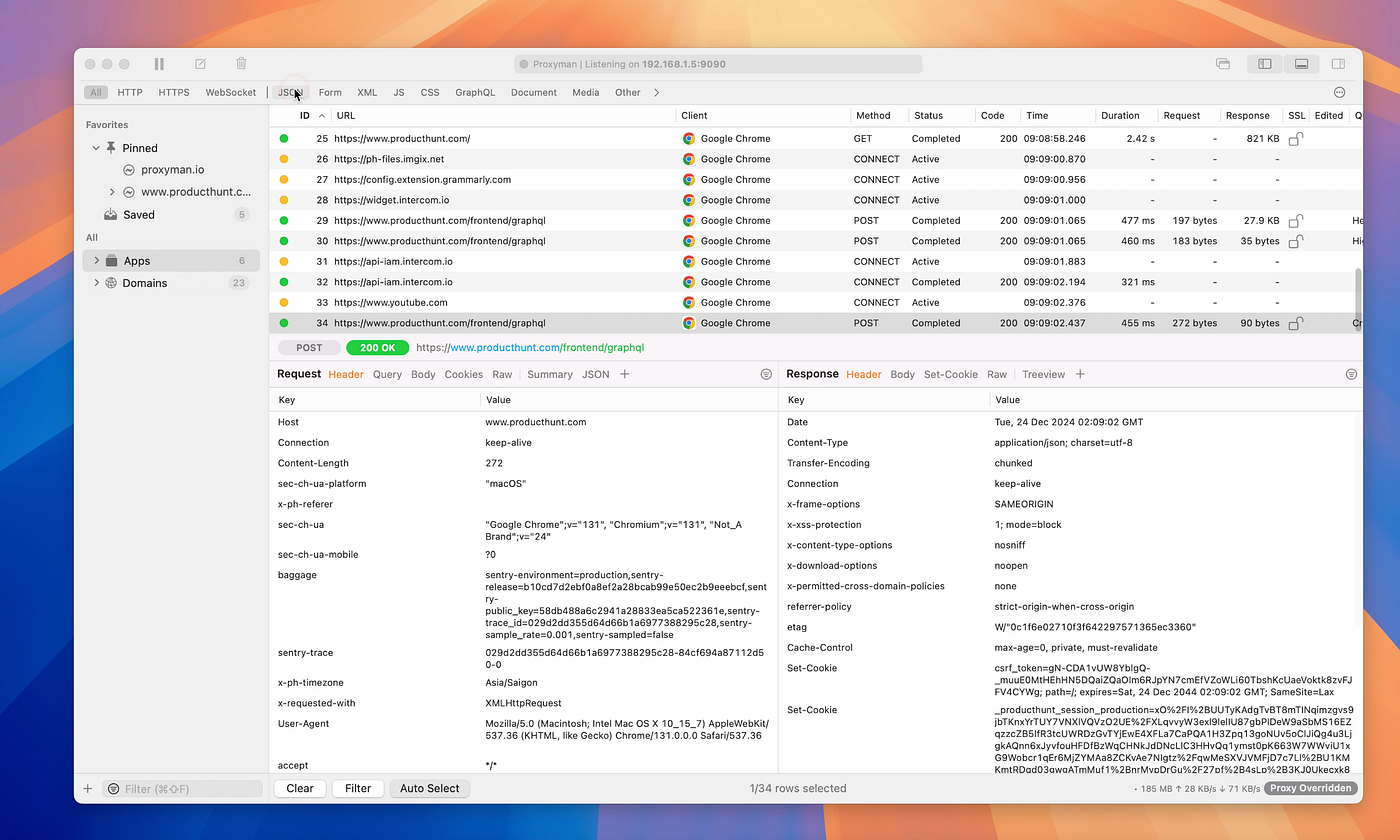
Screenshot Proxyman UI on their website
That’s it. I hope this is useful to you. Are there mistakes I made in this article? Let me know.