Dev Tool Alternatives: Ghostty, cmux, Podman, HTTPie, Proxyman
Ghostty, cmux, Podman, HTTPie, Proxyman, reviewed.
Hey, Mac developers. I find many popular dev tools slow, so I gave up on 5 of them. My work got faster, and it's much more pleasant. Here are the 5 tools I use now: Ghostty, cmux, Podman, HTTPie and Proxyman. My latest is cmux, a terminal. It's good when you have agents running.
Ghostty: a fast native terminal for Mac and Linux
Compared to the default Mac terminal, Ghostty has more features. It feels snappy. It has native macOS support for the secure input API, and it recovers windows every time I restart my Mac. The core is written in Zig (I've never used that language), and the Mac app is written in Swift, AppKit and SwiftUI. I heard that Zig is fast, so the speed is as expected.
Three things I like most:
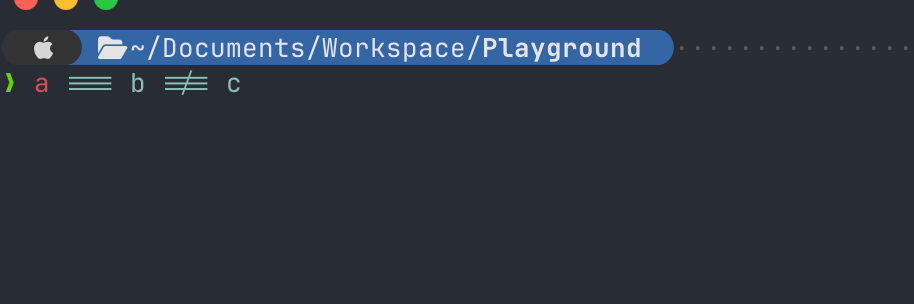
Ghostty feature I like: it renders ligature fonts correctly
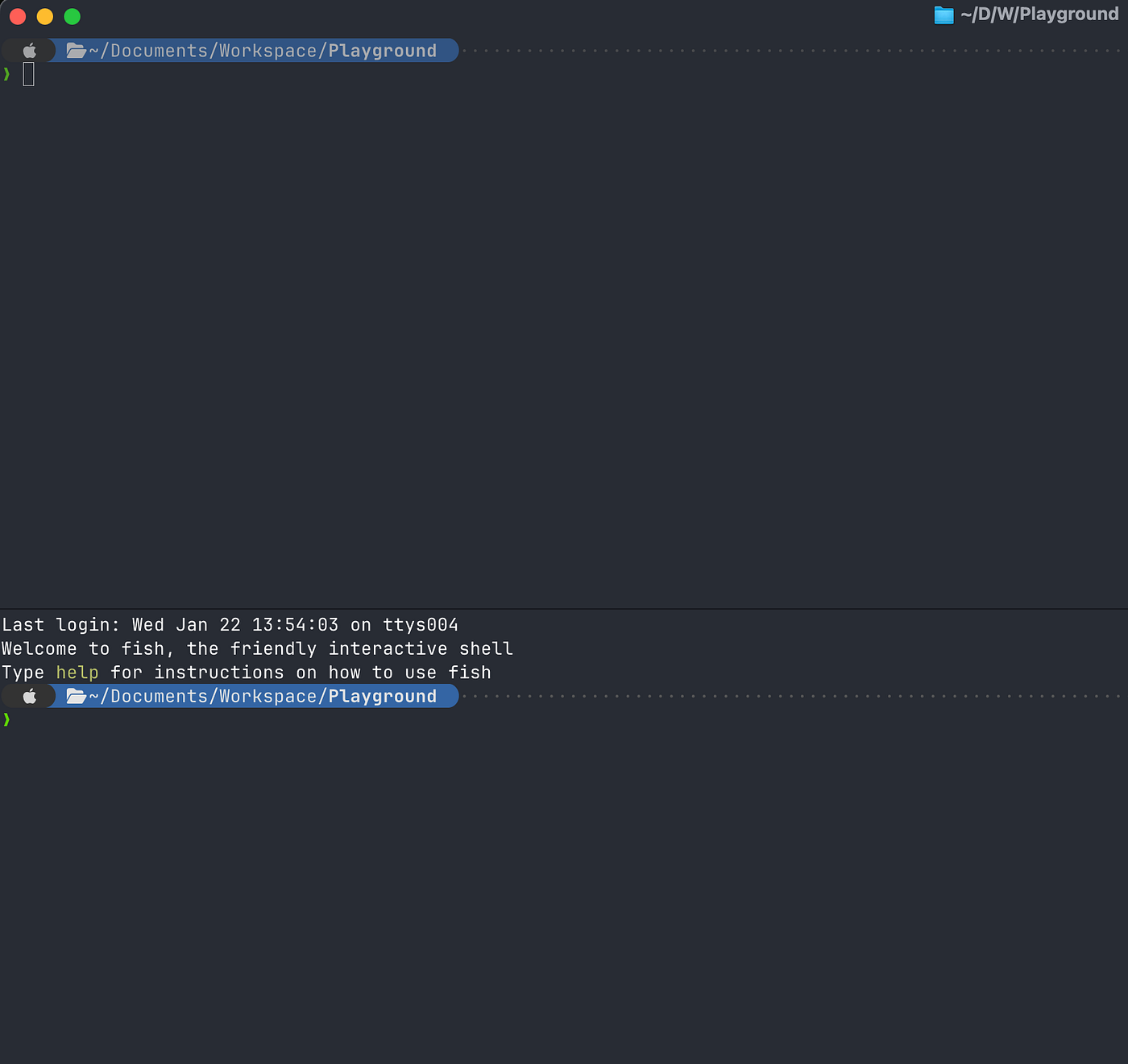
Ghostty feature I like: splitting a window into panes
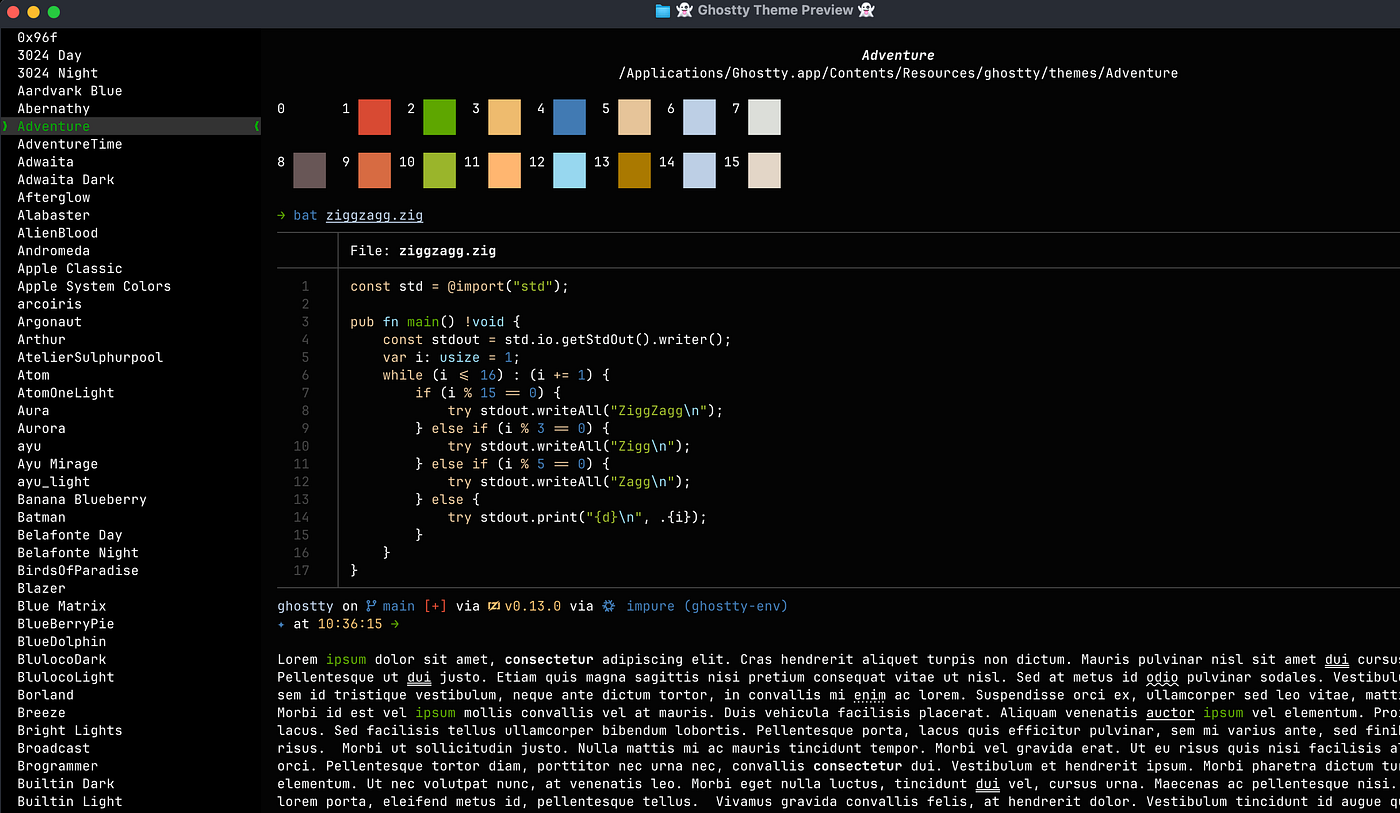
Ghostty feature I like: choosing a theme
cmux: a Ghostty alternative for running many AI coding agents
Agents need attention. I'm running a lot of AI coding agents these days, in a row of tabs that gets messy quickly. cmux is a free, open source macOS terminal. It uses Ghostty's rendering engine, but it's not a fork of Ghostty.
It has a sidebar that shows all tabs, and each tab shows its branch and ports. Even better, a pane is highlighted when an agent is waiting for input. Other apps force me to check each tab one by one to find the agent that's waiting for my input, so it can move on with the rest of the work. And what if an agent stops? Who knows? In cmux, the pane tells you. There's also a sidebar note that I can see from any open tab.
Split panes are useful, and the CLI is handy for scripting. I can also have a browser side by side with the terminal to test my web app. For quick stuff I use Ghostty, but for my agents, cmux is the first app I open every day.
Podman: a free Docker Desktop alternative
Podman is a free, open source container engine, and Podman Desktop is the desktop app I use. It's free for personal use, but it's also free for work, so I can use it for freelance and company work. It runs containers without a daemon. You can also run containers without root, which is the Podman default for new machines.
On a Mac, Podman needs a small Linux machine to run all your containers, the same as Docker Desktop. Podman Desktop can set up that machine for you the first time you run it. It can even alias the docker command, which my old shell scripts still use. You can still use your Compose files. The UI is very simple, but that's a fair deal for a tool that's free for any use at all.
HTTPie: a Postman alternative with no account
We all know Postman. It's the first API tool for most of us. But without an account, Postman gives you only a basic client, and you can't save requests in collections. I still find that cumbersome every time. When I'm testing an API, I just want to paste a cURL command I've found and run it privately.
HTTPie Desktop can do that. It has a clean UI and a lot of useful features. You can paste a cURL command, import your collections from Postman or Insomnia, and test GraphQL APIs. All that in a desktop app, with no account needed.
One confusing thing: the same HTTPie team built the open source HTTPie CLI, but the desktop app is not open source. I mean, it's fine for developers to make money. I just want to work offline, without an account, on my own machine, and HTTPie Desktop lets me do that.
Proxyman: a Charles Proxy alternative on Mac for mobile apps
My last tool is Proxyman. It's an app to capture, decrypt and even mock the HTTPS traffic of your mobile apps. It's great for debugging a mobile app when you don't have its source code. I used to use Charles Proxy for this. Proxyman looks cleaner to me and is more user-friendly. It even has advanced filtering and GraphQL debugging on top of that.
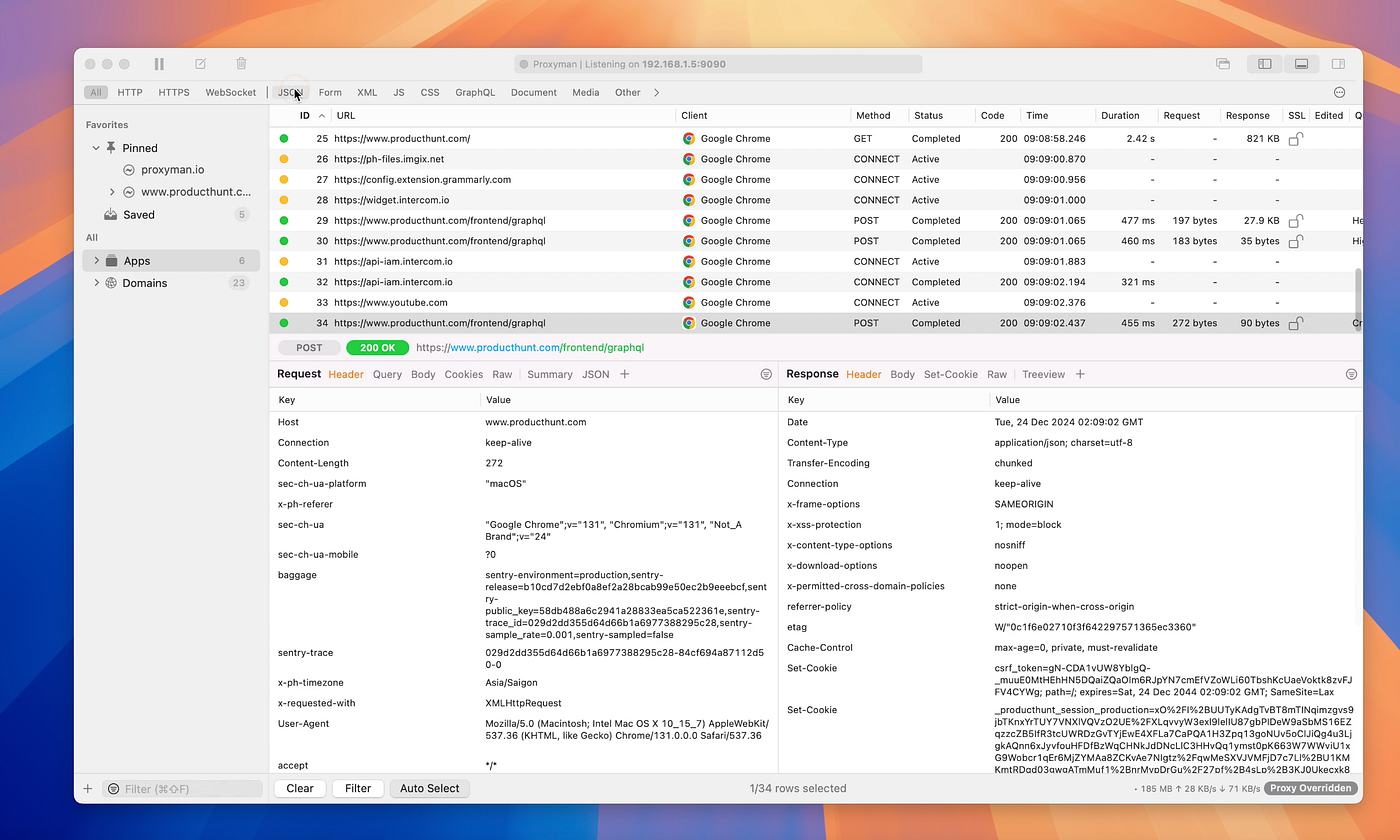
Proxyman UI, from their website
Proxyman vs Postman: which one do you need?
Proxyman and Postman serve different purposes. Like HTTPie, Postman sends what you type by hand. Proxyman is a middleman: it shows you all the actual requests your mobile app sends to its own API server. I think we all need both. Use Postman for the API you're developing, and use Proxyman to see the actual traffic of a mobile app without reading its source code.